
First separate a loading problem from an account or payment problem. JILI123PH can receive reports about its own pages; it cannot inspect external accounts or release funds.
Describe the symptom
| What you see | A useful next step | Who can resolve it |
|---|---|---|
| A page is blank or keeps loading | Record address, time, device and browser. Check an unrelated page. | Your network provider or the destination service, depending on the cause. |
| A sign-in error appears | Save the error text without credentials. | The identified account operator. |
| A payment is pending or missing | Check transaction history and keep the reference private. | The payment provider and merchant/operator. |
| A link or statement here is wrong | Send our page URL and the exact problem. | JILI123PH editorial contact. |
A short connection check
- Read the browser address and error message before changing settings.
- Check whether another ordinary website loads.
- If appropriate, compare Wi-Fi with your own mobile data and record which connection failed.
- Open the same identified address in a normal browser tab to compare a saved shortcut.
- Stop repeated transaction attempts while a payment status is uncertain.
GCash help belongs in its own channel
Use the GCash app’s help route for a transaction problem. Keep the reference number for the support process and do not share an OTP or MPIN. We cannot see the transaction or promise a processing deadline.
GCash: how to get help or submit a ticket. For an unreflected online payment, consult GCash online-payment help.
About connection apps
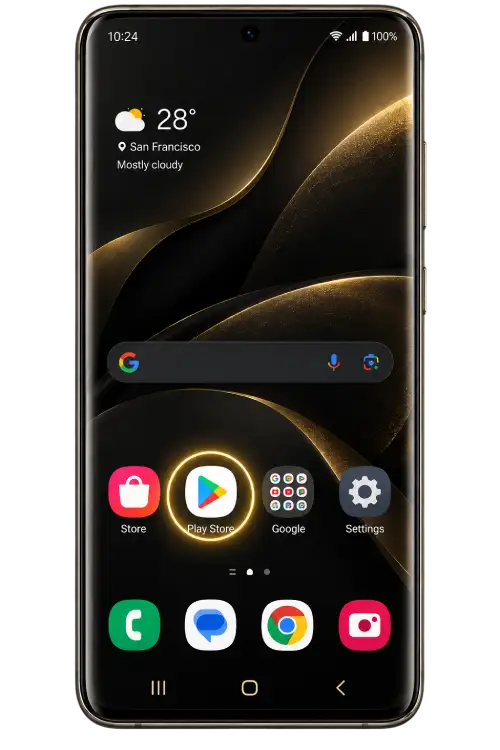
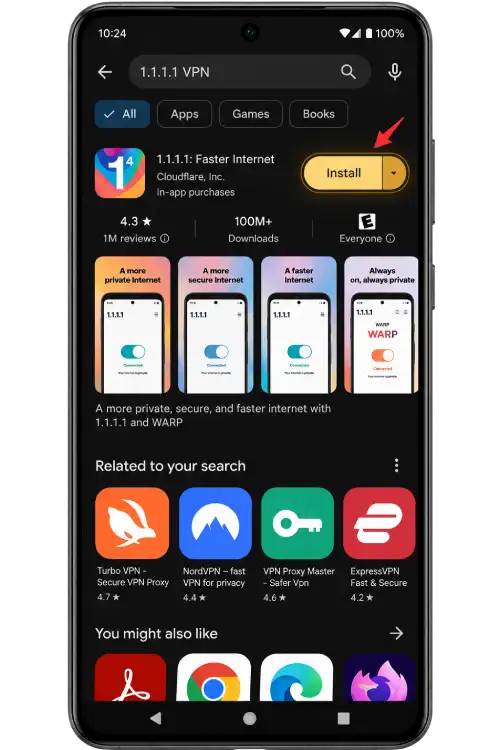
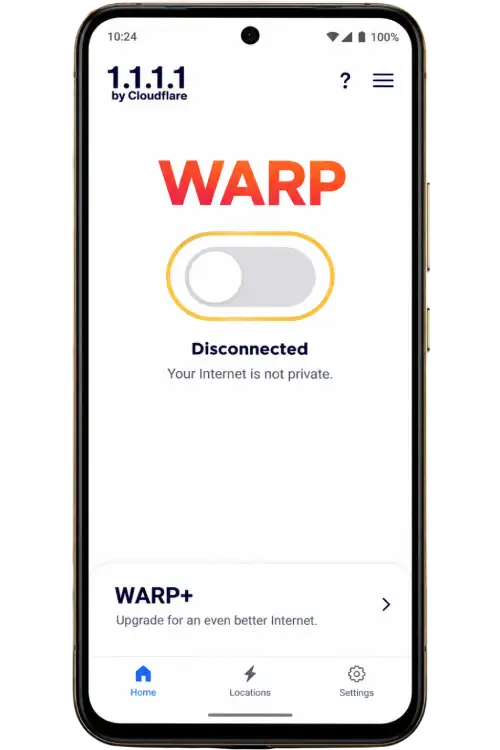
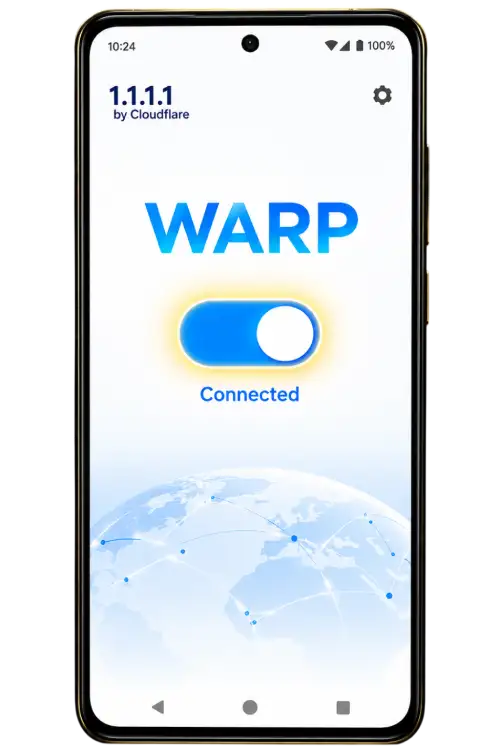
A VPN or connection app cannot verify the identity of a site, confirm a payment or establish permission to use a service. Do not use one to bypass access restrictions. Follow the app publisher’s current instructions rather than treating an old screenshot as the latest interface.
External publisher resource: Download connection app. Read its own explanation before installing anything.
Send a useful publication report
Email [email protected] with our page URL, the step that failed and a redacted screenshot if needed. Do not send account passwords, ID documents, payment-card details or wallet codes. See Contact for the report format.
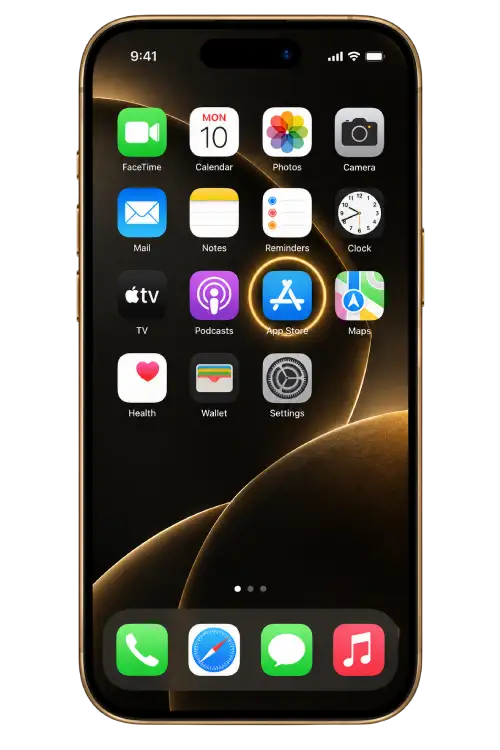
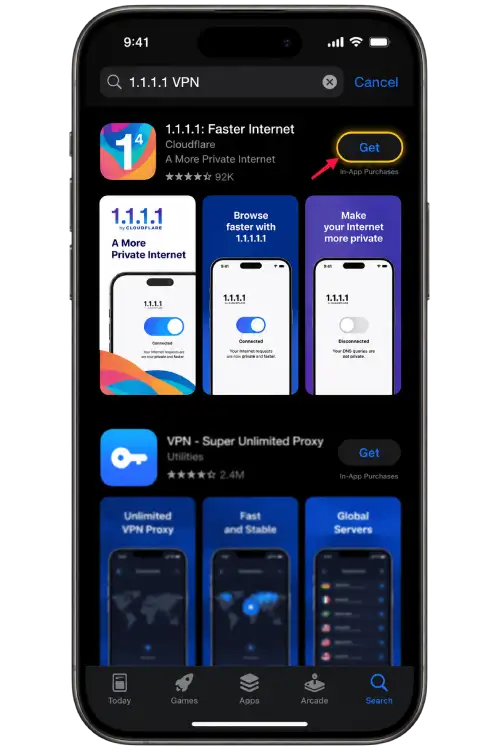
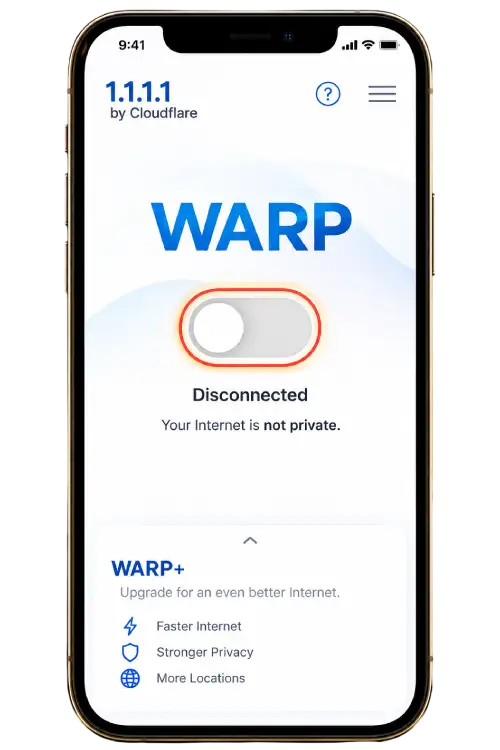
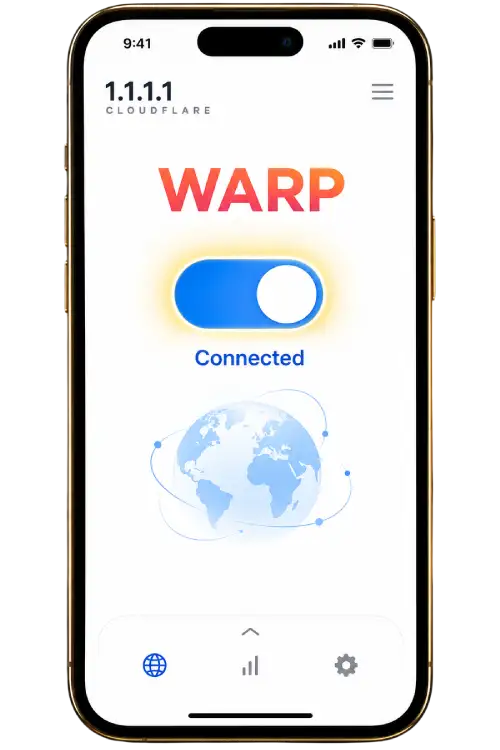
Connection app reference images
These images were supplied with the theme as reference material. The current application interface may differ. They are not evidence that a payment is confirmed or that a restricted service may be accessed. Read the app publisher’s current instructions.